- MacBook Neoのトラックパッド左、右クリックが反応しなくなったのでApple Storeの「Genius Bar」に持ち込んでみた – Recon-ReviewDays
- Apple StoreのGenius Barで修理を出したMacBook Neoの修理状況を確認する – Recon-ReviewDays
- 修理に出していたトラックパッド不良の「MacBook Neo」がようやく「修理中」表記に – Recon-ReviewDays
- 修理に出していた「MacBook Neo」の修理完了の連絡がありました – Recon-ReviewDays
先日Apple Storeから電話連絡があり修理に出していた「MacBook Neo(2026/A18 Pro)」の修理が完了したとの事だったので、受け取りに行ってきました。
タイムライン
- MacBook Neoのトラックパッド左、右クリックが反応しなくなったのでApple Storeの「Genius Bar」に持ち込んでみた – Recon-ReviewDays
- Apple StoreのGenius Barで修理を出したMacBook Neoの修理状況を確認する – Recon-ReviewDays
- 修理に出していたトラックパッド不良の「MacBook Neo」がようやく「修理中」表記に – Recon-ReviewDays
| 日付 | 修理ステータス | 詳細 |
| 2026年9月27日(日) | 修理準備中 | 必要な部品を取り寄せています。 |
| 2026年9月29日(火) | 修理準備中 | 必要な部品を取り寄せています。お客様のデバイスはGenius Barチームがお預かりしています。 |
| 2026年10月2日(金) | 修理完了、ご都合のよい時にご来店ください。お待ちしております。 | 写真付き身分証明書を忘れずにお持ちください。 |
| 2026年10月4日(日) | 修理品を受け取りに行く |
2026年9月27日(日)に修理をApple Storeの「Genius Bar」で店頭修理に出した後、5日目の2026年10月2日(金)に修理が完了したと電話連絡があり。
トラックパッドは「交換」ではなく「調整」で直ったらしい
- 修理に出していたトラックパッド不良の「MacBook Neo」がようやく「修理中」表記に – Recon-ReviewDays
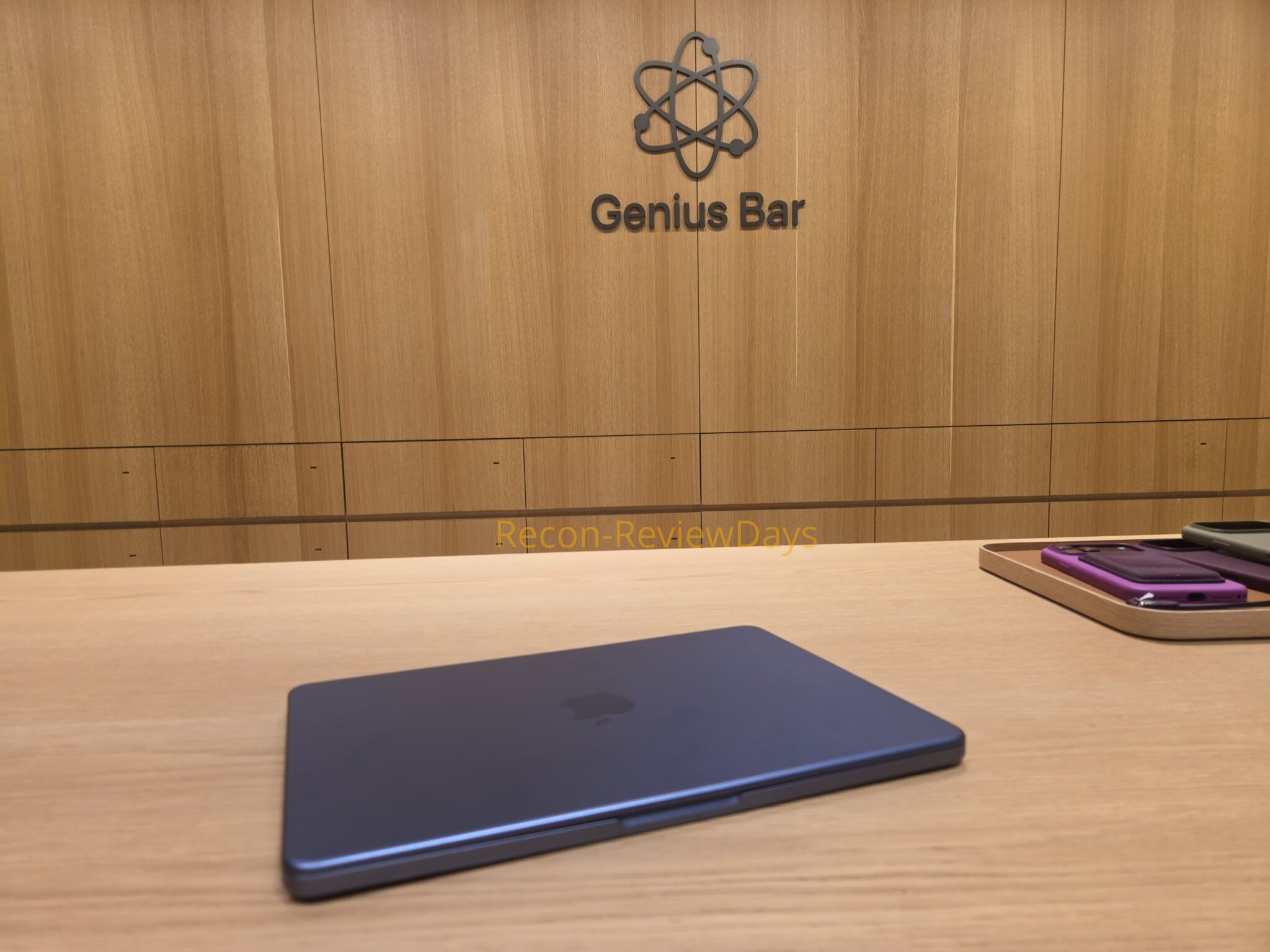
Apple Storeの「Genius Bar」で修理品の「MacBook Neo(2026/A18 Pro)」を受け取り、動作確認と修理内容を確認していると「パーツ交換ではなく調整で直った」との事。
途中「必要な部品を取り寄せています。」で修理パーツを手配していたようですが、調整で直ったのであれば当日中でも直ったのでは?と思ってしまいましたが…それで直らなかった時の予備として手配していたんでしょう。
確かにreddit等でトラックパッド裏の調整で直ったというスレッドはあったが…
- Clicky Trackpad – reddit
- MacBook Neo Troubleshooting Trackpad Issues – Apple Support
Update: for anyone with a similar issue see the solution below:
“Replied to another thread with a fix so I will just forward it here also.
Hey hey, I have fixed mine, its a really really easy fix to be honest, but you need to open the Macbook up. If you dont feel like doing it, take it back to the store for a warranty or a return. It wont get fixed by itself unfortunately.
Also, before you proceed, check your state laws regarding warranty for electronics, usually opening a Macbook doesnt void your warranty as there are no “warranty void if removed” stickers on any of the screws, but be sure to check this beforehand and proceed on your own risk.
To anyone curious as to how to fix this, you first need to take off the bottom cover (you can find Macbook Neo official repair guide straight from Apple – there find a “bottom cover” document).
After you have taken the bottom case off, locate the center hexagon “screw” in the middle of the trackpad – It is a 2mm hexagon, turn the screw clockwise slightly (you can also see what exactly this does in the Trackpad repair guide also from Apple repair guide). After turning it slightly, check if the “pre-click” dissapeared. It should be gone after really slight adjustment (at least for me it did). Once you dont feel the pre-click anymore, close the bottom case and enjoy.”
Worked instantly and the Neo is probably one of the easiest computers to remove the rear panel that I have dealt with in decades.
MacBook Neoユーザーで筆者と同じように「クリック感が無い」、または「クリックしているにも関わらず反応が無い」という症状が比較的発生しているらしく、修理方法が記載されていました。
この他にも「Apple Support」で「MacBook Neo Troubleshooting Trackpad Issues」というものが修理の権利周りで公開されており、これに従ってトラックパッド裏の特殊ネジを調整すると「自分で直せる可能性が有り、Apple Storeに持ち込む必要が無い模様」です。
でも保証があるならAppleにやって貰いたい
せっかくの新品購入品ですし、筆者が弄ったところで「直る保証がない」というのもあり、結局Apple Storeの「Genius Bar」に持ち込みましたが、果たして正解だったのかは不明。
とりあえず直ってよかった。

- sirakawakuu
家電製品からPC周辺機器、PCパーツ、スマートフォン周辺機器などのレビュー、特価を交えて紹介しています。
- 修理に出していた「MacBook Neo」をApple StoreのGenius Barまで取りに行ってきた 2026年10月15日
- 日産 軽EV サクラ用のタイヤの買い替えを考える 2026年10月14日
- Amazon プライム感謝祭 先行セールは2026年10月13日(火) 0時スタート #Amazon #アマゾン #プライム感謝祭 2026年10月13日
- 日産 軽EV サクラでApple CarPlayの接続が不安定になる事が多い 2026年10月12日
- 修理に出していた「MacBook Neo」の修理完了の連絡がありました 2026年10月11日